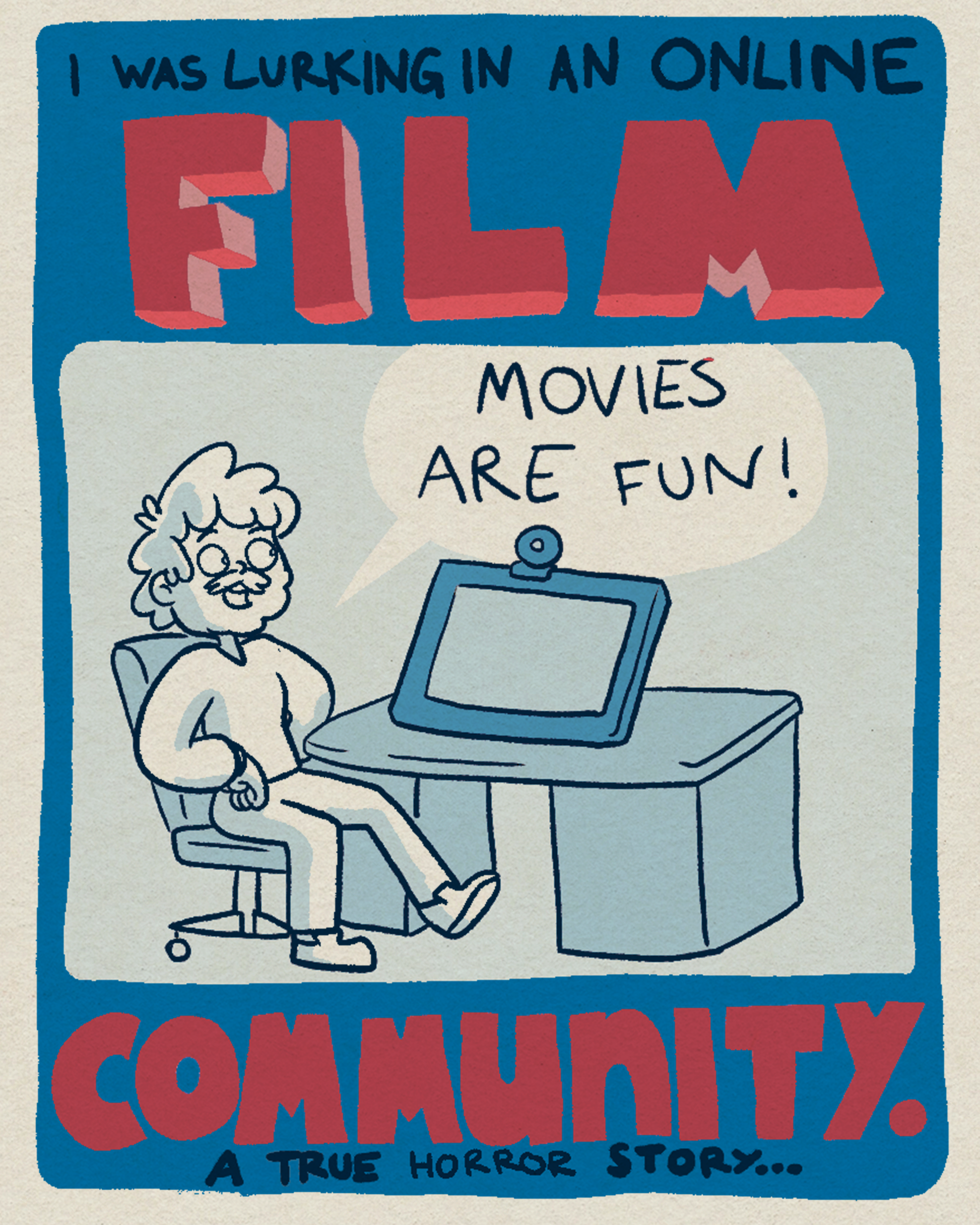
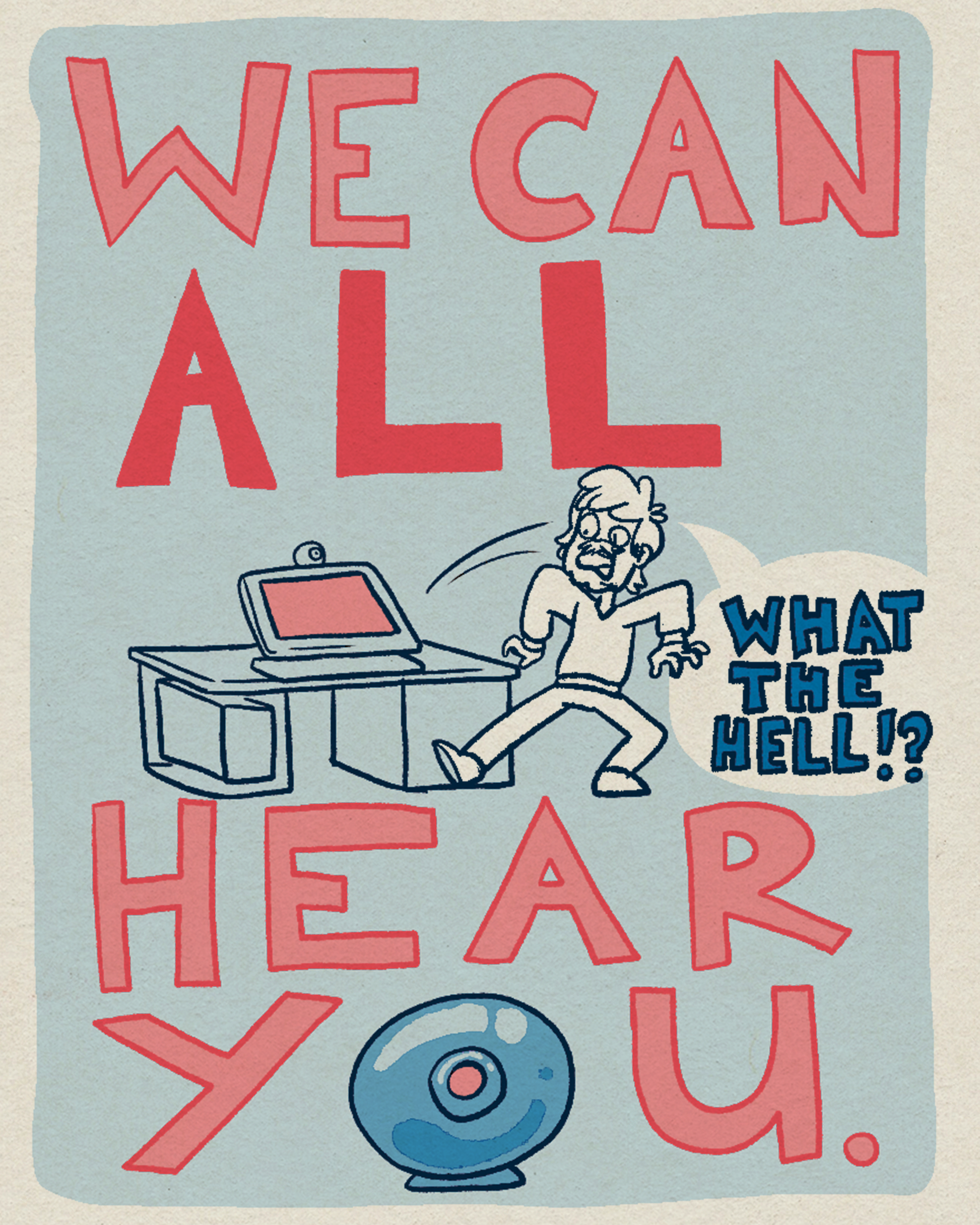
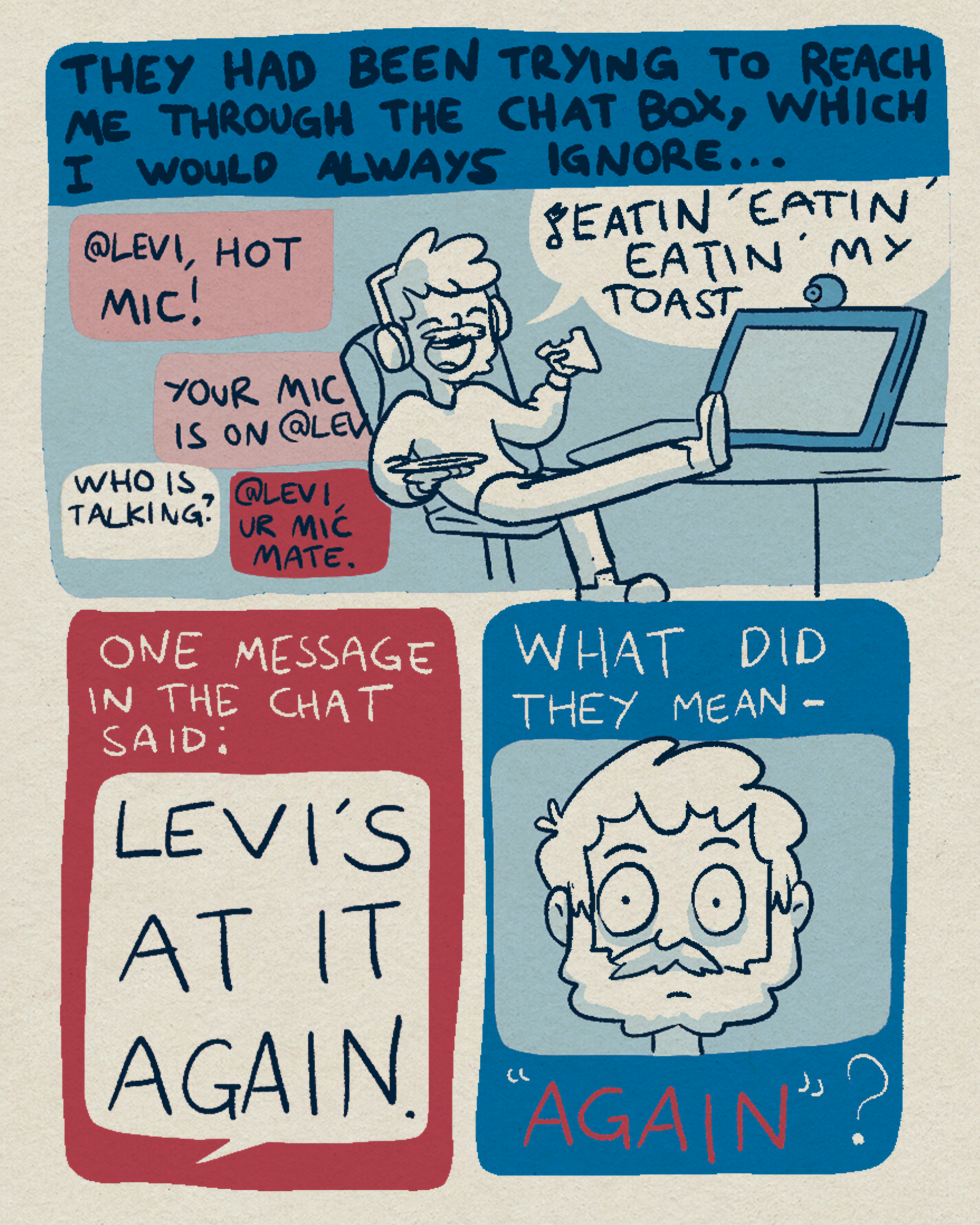
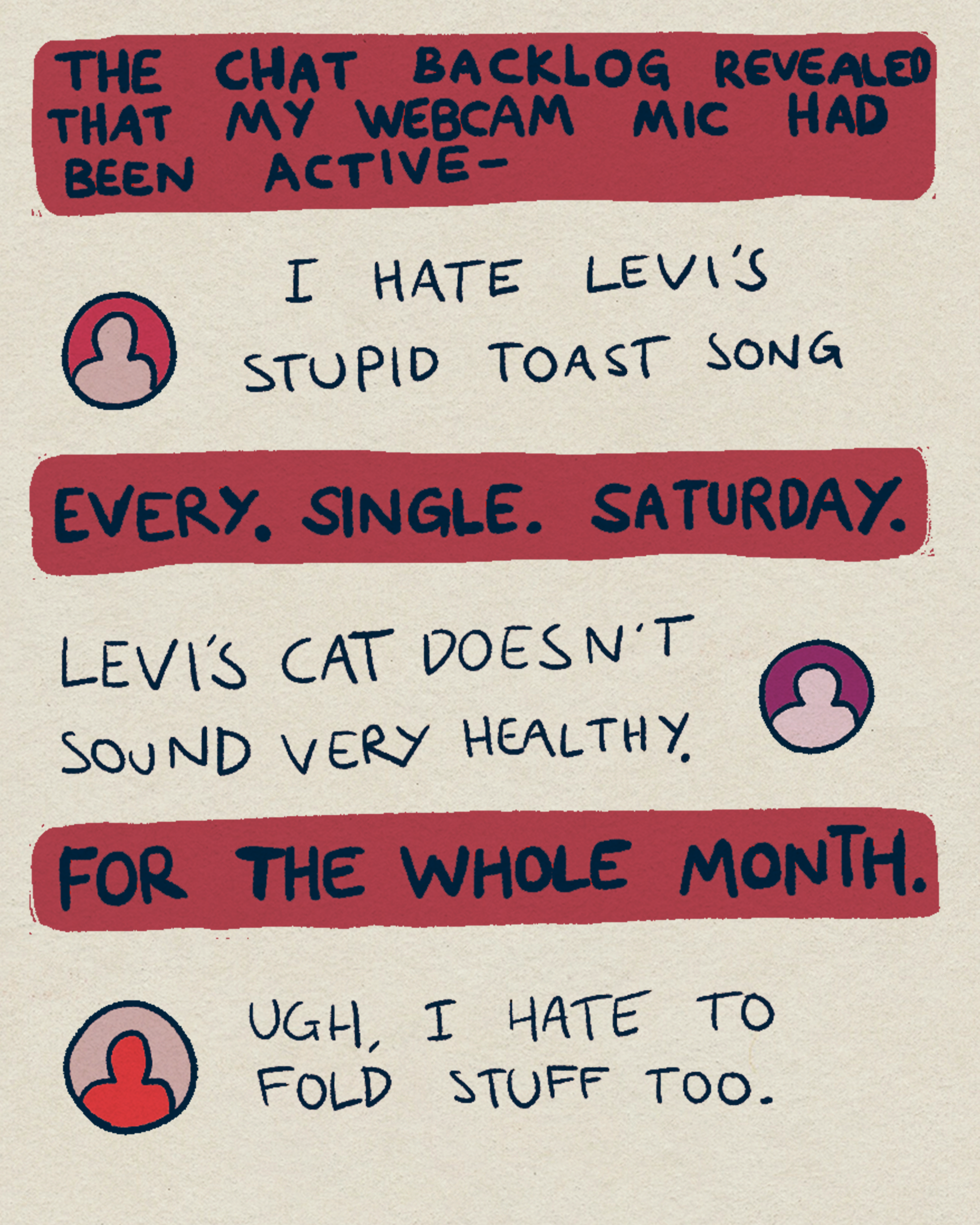
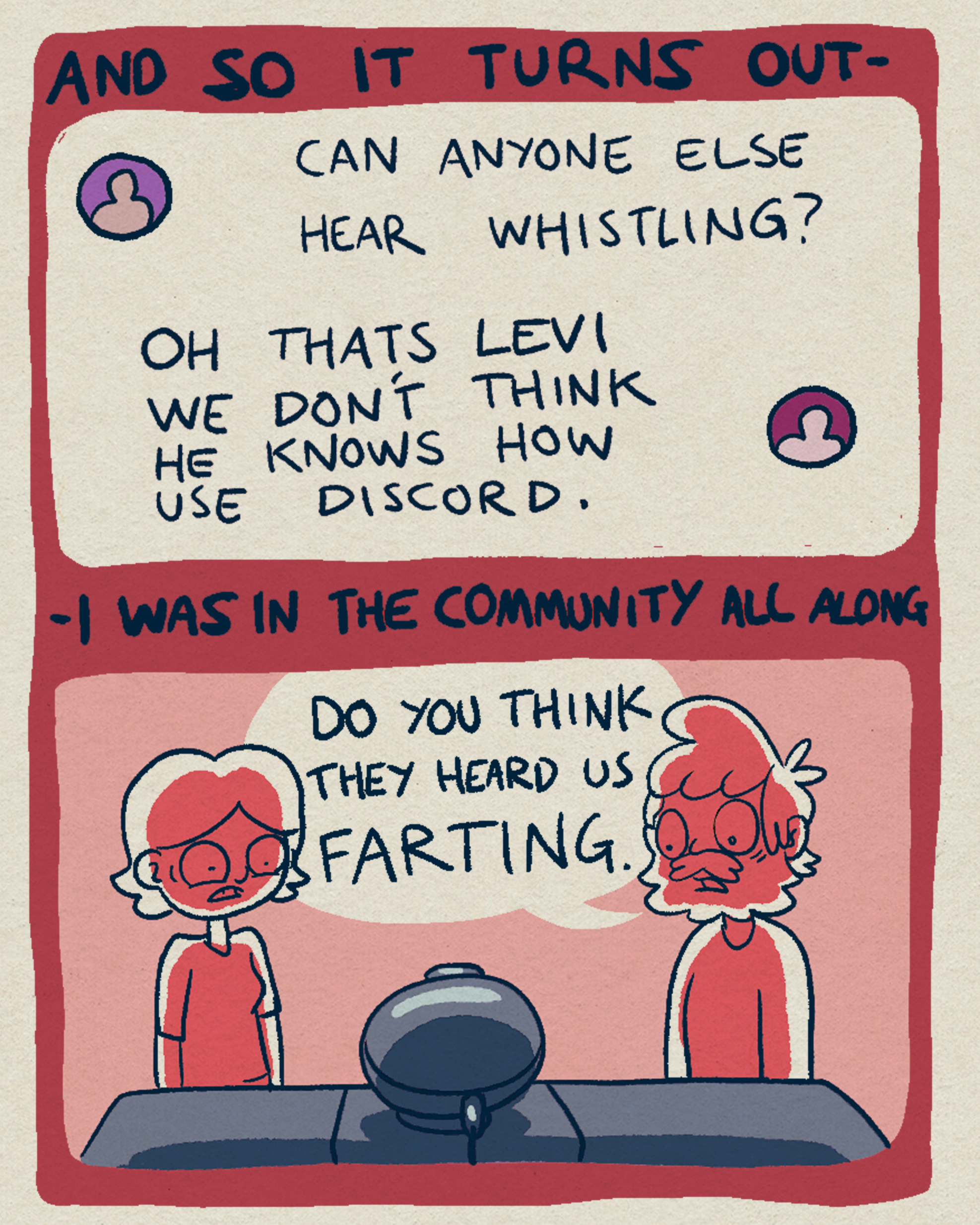
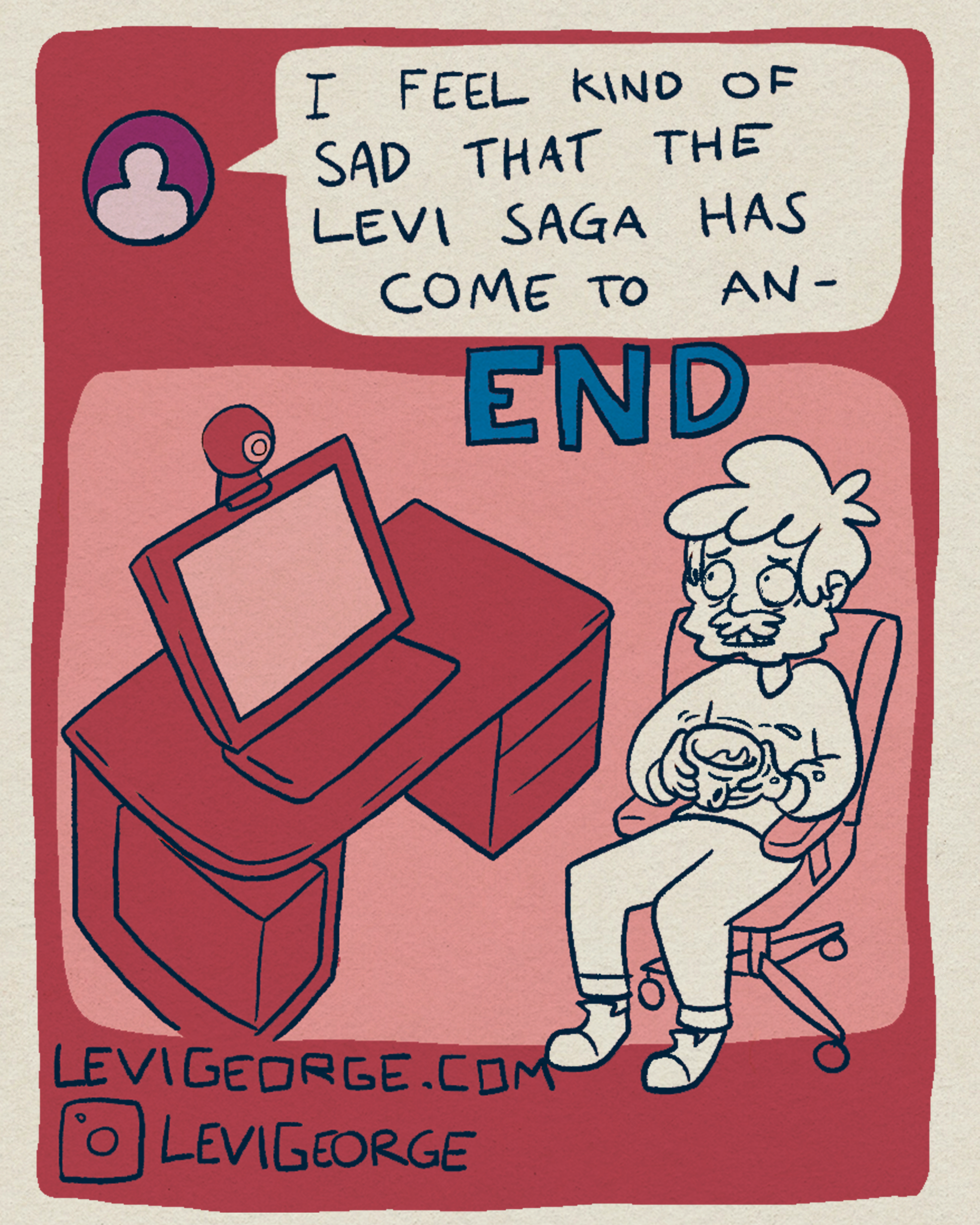
I’ve been really enjoying playing around with Risograph style printing this year and writing comics so it was only a matter of time before I combined the two! I made this comic to try my hand at Zine making and try and find a way to make comics fast (I’m working on a long one that is taking FOREVER!)
In the end, the Riso effect I was after didn’t quite work but I am going to try it out again in the future. I also don’t usually like doing autobiographical work but it is easy to re-interoperate the stories you tell your friends into comic form.
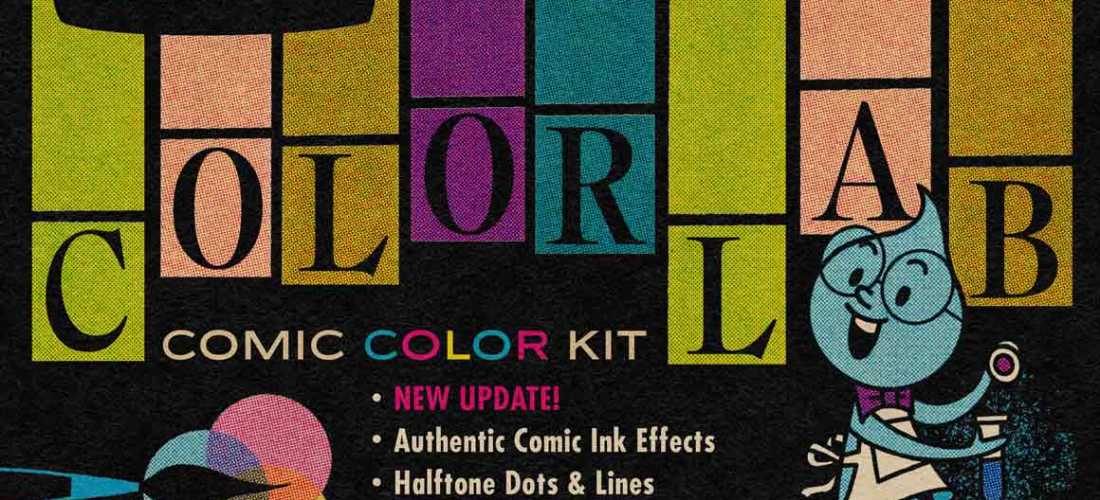
I’ve been writing and creating a few comics recently and got really into Tales From The Crypt and Weird Science Comics. I want to make horror comics with a similarly retro vibe so on Black Friday I bought the Colour Lab package from RetroSupply! This package allows you to mimic the halftone printing style of old comics by layering dots of varying densities on top of each other. It’s been extremely fun to play around with and I’ll hopefully have some Illustrations to post here soon.
The problem is that this layered colour process is a MUCH slower way of colouring than I am used to. RetroSupply have made it easier by supplying a handy colour chart but as I saw the suggested process my jaw dropped with terror at the idea of consulting a chart to figure out how to correctly layer colours to get the desired outcome.
“Wouldn’t it be great if you could just use the Colour Picker to get the right colour instead of having to break your flow state to consult a table in a pdf file?” How hard could it be to just program this? I decided to venture into the previously uncharted territory of Photoshop Extended Scripting to answer this question. I’ve made Plugins for Adobe Animate before and thought I could make a quick little plugin to optimise the ColourLab experience (so you never really have to refer to the chart.) It took about a day but I’m hoping it’ll be “Time spent in sharpening the axe may well be spared from swinging it.” kind of deal.
The way it works is pretty simple. I created two ‘data tables. The first contains all the Data for the colours from Retro Supplies Palette, the Hex Codes and the density of the Y, R, B and K values. The second table just contains the names of the Brushes.
Say we are using the colour Y2 R3 B K2. The problem is that each colour is actually made up of up to 4 different halftones colours (yellow at a density of 2, red at 3, solid blue and black halftones at 20%). So how does the tool know which of these colours to grab? Tyypically you have a layer for each of the 4 colours. So the Script first character of the name of your Active Layer. So if your Layer name starts with a Y eg it could be called “Y” or “Yellow” or “Yo Put some Yellow here!” The script assumes you are looking for the Yellow required for whatever colour is currently in the Foreground on the toolbar. Grabs the hex code and looks up the data table and grabs the brush for ‘RSCO Yellow 2 • Rough Dots’.
You can download it for free below but be warned it will not work without Retro Supply Co’s ColourLab plugin. I am in no way associated with Retro Supply Co. I’m just a guy who hates consulting charts. You can download the script here.



 Levi George Illustration