Smarter Fill Script for Photoshop

Junk

I regret to inform you I am back on my Plugin Shenanigans. Photoshops Fill system has been driving me crazy for the past decade. I’m spending the middle months of the year making a lot of small comics in preparation for a bigger one that I’m hoping to start properly in late 2023. The problem is that I am slower at making comics than I was hoping I would be.

As usual, one big problem is Layer Loitering (getting lost in your timeline looking for the right layers), particularly when it comes to colouring. I decided to spend what I assumed would be a few hours upgrading my clunky old Actions-based Fill system to a Sexy and sophisticated Script-based fill system. Turns out it was a little trickier to do than I thought, but I got there eventually. Maybe it’ll save you some time too!

You can download it here.
Dream Clean-Up: Live Stream-Up!!

Events & Happenings, Plug-Ins

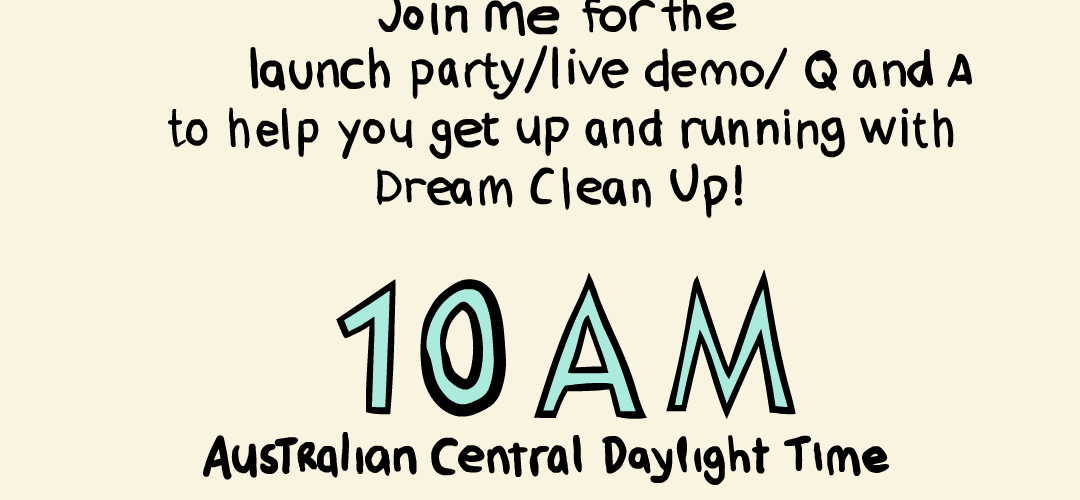
Earlier in the week a tool I created to streamline the Adobe Animate clean-up process FINALLY got published on the Adobe Exchange Store. I have a page dedicated to it here. I wanted to create a more complete guide on how to use it and so I decided I could also do a little launch party promo on Twitch! I really like the idea of live drawing and animation and have been wanting to experiment with it again. Drop in if you are interested! You can find my account here!

UPDATE: Live stream happened and was quite a lot of fun! I actually thought nobody tuned in but Twitch tells me I had 4 viewers so thanks to those people who took the time to tune in and listen to me ramble like a maniac! You can see the highlights from the Stream on the Dream Clean-Up Page of this website!

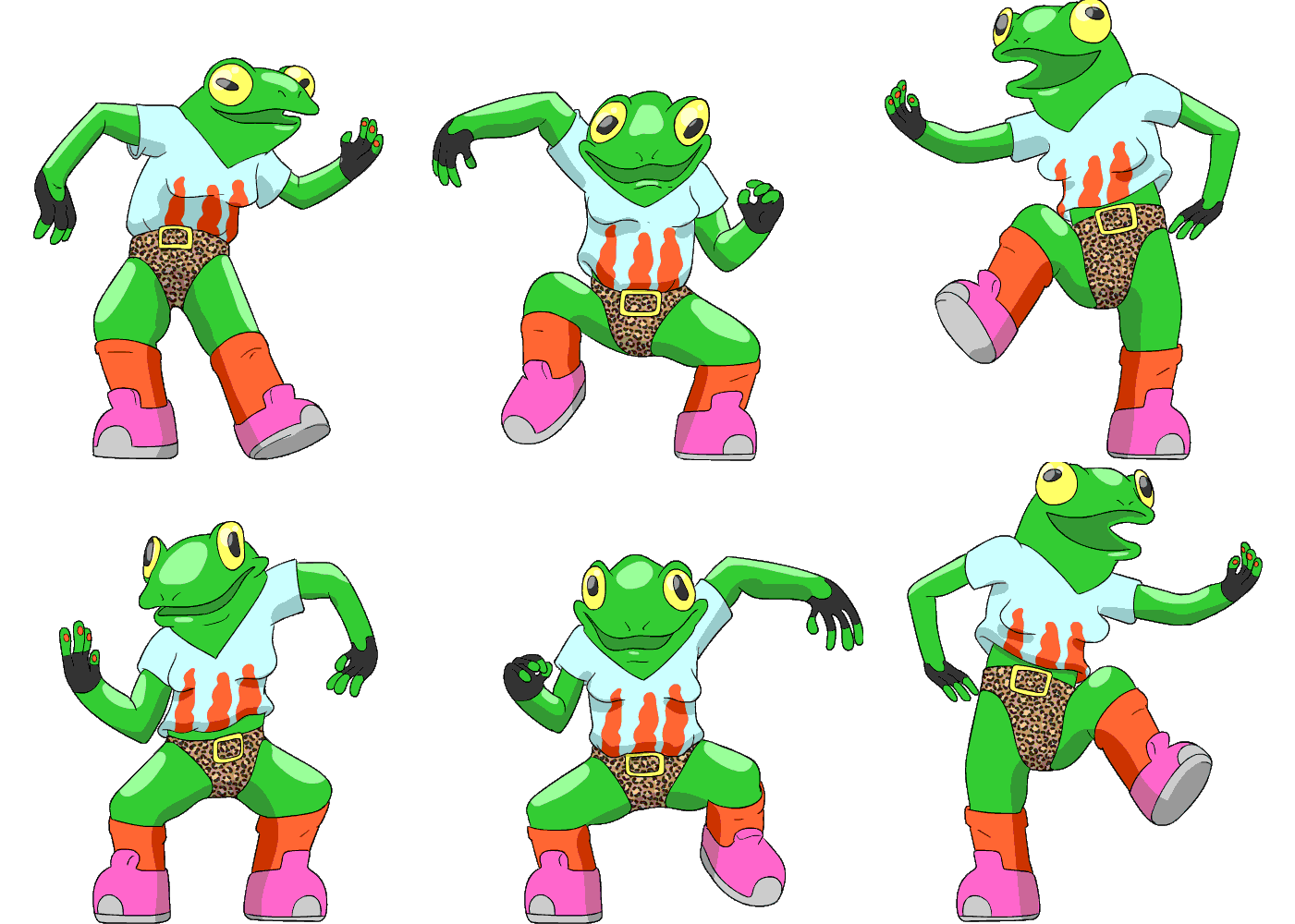
Frog Dance GIF

Junk

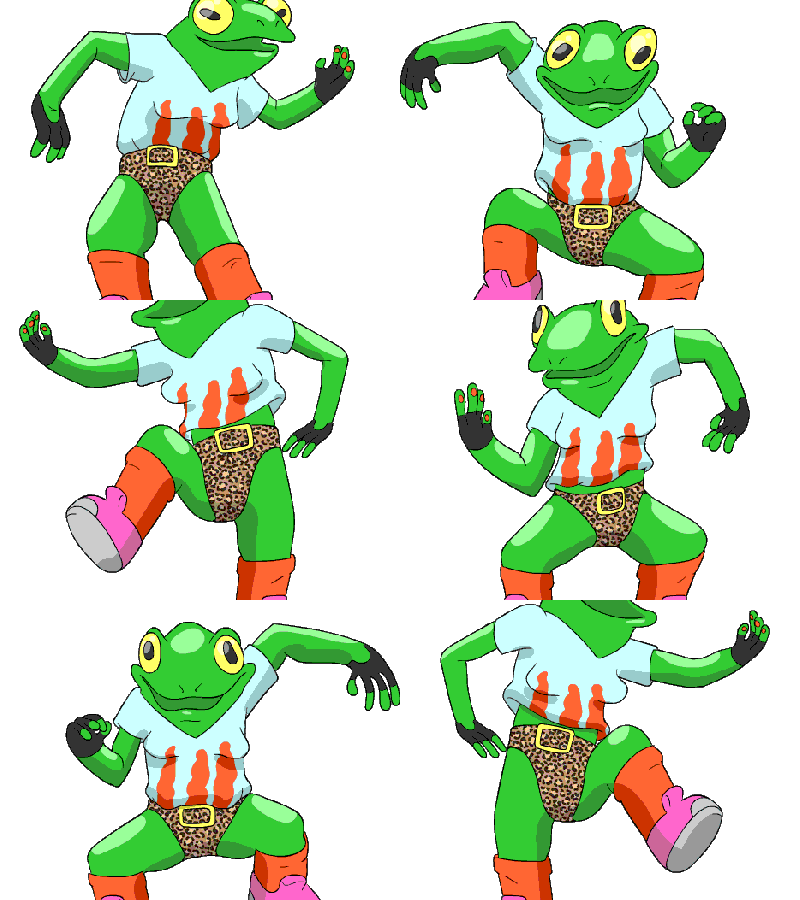
I made this Gif today because Adelaide is in lockdown and I didn’t have much else to do (kind of). It was made in Adobe Animate in kind of a traditional pipeline. It’s a dance move that I tried out in a Twitch Aerobics Class by Grumble Wish this morning that I think is called something like Frog Legs or Froggie. Either way, I did it badly and thought if I tried to animate it, maybe in the process I’d figure out how to do it properly. Did it help? I’ll know tomorrow when I try it again! GIF’s are fun to make because they are kind of the language of the internet. I have a Giphy account that I am not totally sure what to do with.

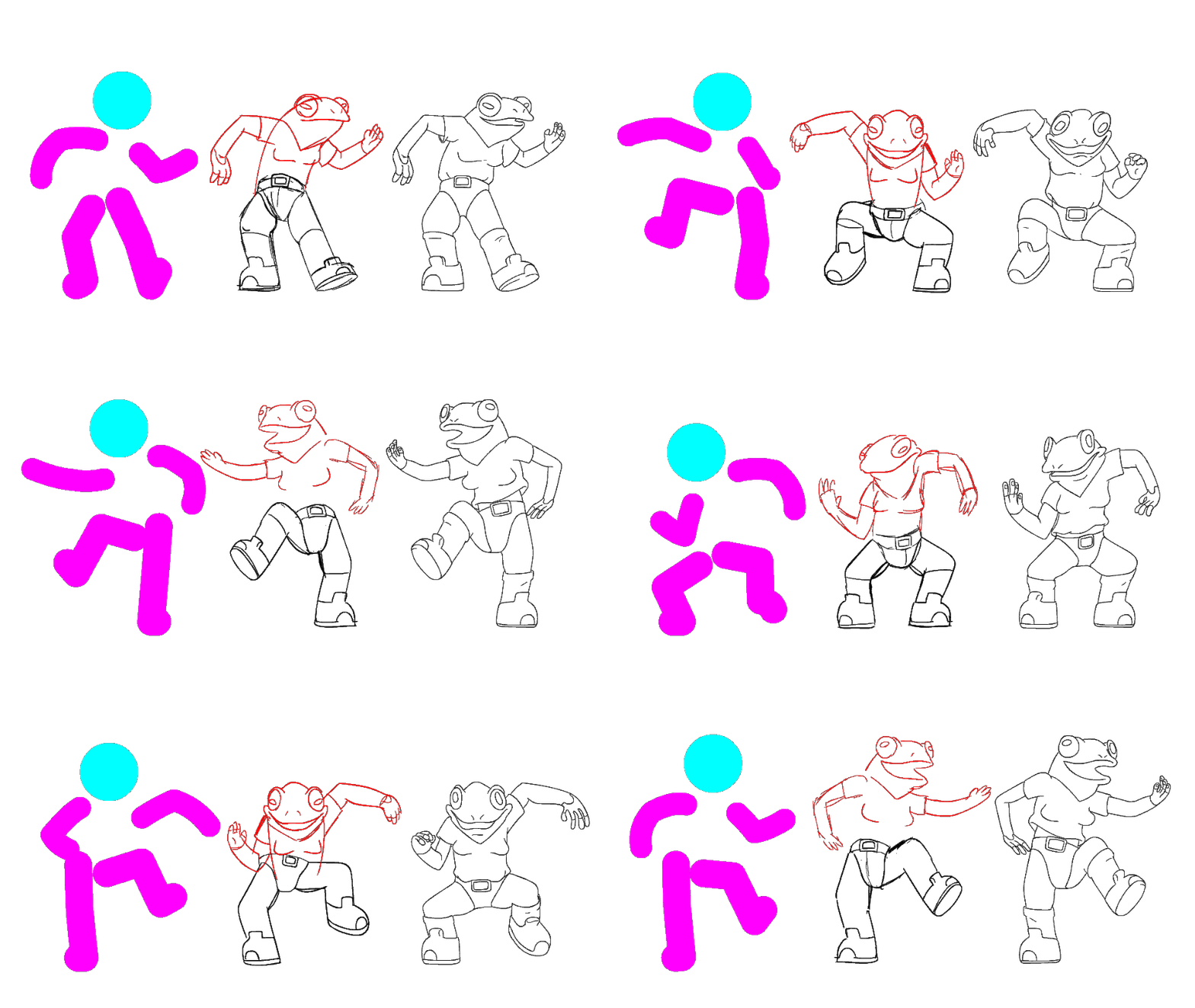
Anyway I’m not sure what you’re expecting from this post BUT because you took the time to read it here is some BEHIND THE SCENES steps of the gif process!

So I basically watched the movement a million times and just made a little armature that is doing the movement with a big thick stroke. Normally I draw armatures but for tweening a stroke made it way easier for a dance movement because I could easily isolate and offset the movements where I needed to. That’s all done with the purple stick person. When I was happy with that I drew in the rough version of the movement overtop, that’s the middle one. Then I cleaned it all up and tried to make it a little more squashy and stretchy, add a bit more drag etc. Normally I do this in the previous step but I was really only intended to be a small GIF so I was fine doing it in clean up.

EDIT: Oh it got shared by the person who inspired it.