I regret to inform you I am back on my Plugin Shenanigans. Photoshops Fill system has been driving me crazy for the past decade. I’m spending the middle months of the year making a lot of small comics in preparation for a bigger one that I’m hoping to start properly in late 2023. The problem is that I am slower at making comics than I was hoping I would be.
As usual, one big problem is Layer Loitering (getting lost in your timeline looking for the right layers), particularly when it comes to colouring. I decided to spend what I assumed would be a few hours upgrading my clunky old Actions-based Fill system to a Sexy and sophisticated Script-based fill system. Turns out it was a little trickier to do than I thought, but I got there eventually. Maybe it’ll save you some time too!
Feels extremely odd to be able to write about this. About a year ago I started working with Monkeystack to gear up for Yolo Season 2 and today the first 2 episodes were finally released on Stan!
My official title was Animation Lead but it’s hard to lock down exactly what that means. So I thought I’d write a quick summary of exactly what I did on the production.
Role 1: Training
A few of us have separately had the idea of spending a little time upskilling the crew before production began in earnest. Monkeystack teamed up with CDW Studios to create 12 session summer workshop to find talented graduates and get them production ready. Tim and I spent an afternoon drinking tea and coffee and reflecting on what skills we would like to see in our new recruits. Previously I had taught animation at several places (UniSA, Carclew and Adelaide City Library). I also built the curriculum for the Animation Design for UniSA online (and offline) so I was pretty aware of what skills most graduates were lacking. I wanted to design a course that filled in any knowledge gaps BUT also one that also simulated the studio experience, where attendees had to submit shots, receive animation feedback and adjust. To this day it’s probably one of the best experiences I have had teaching. We received a lot of positive feedback from attendees and we managed to recruit about 10 people into the crew!
Role 2: Pipe-line King
I am a spreadsheet guy. That’s who I am, that’s who I’ll be when I die. So when I tell you I made so DAMN good spreadsheets to keep track of how this production went you should just believe me or else this blog is gonna get BORING! Just trust me that at the beginning of the production, I crunched A LOT of numbers and made a lot of graphs to demonstrate how things were going (Thankfully Lisa look this task off my hands eventually). I also got to work with the programmers at Monkeystack to make some very cool tools to make the animators’ lives easier. Abobe Animate is a surprisingly flexible program when you know someone who can use jsfl script well. I also worked to improve our dailies system so we could see how each episode was coming together quickly and easily. I also designed a very clever lip-sync system!
Role 3: Lead Animator and occasional Animator
For much of the production Tim and I split the crew in half and worked on separate episodes. While I am credited as lead on all episodes I worked as Lead Animator on “Planet Bali” “Jambaroo” “The Parents Episode” Tim and I shared the duties on episode 1 and the very lengthy “THis is Literally the Finale”. Most of my time on the production was dedicated to giving feedback to the animation crew. To begin with, this started as very technical notes “this is off-model”, “this needs another frame”, “this has TOO many frames”, and “this lip-sync feels off” (apologies if those words are triggering to any of the crew members who might be reading this).
Much of it was checking continuity between shots to make the life of the Animation Supervisor at PB (Marty) as easy as possible. You’d have to ask him how successfully I pulled that off. I also had to oversee the background crew and make sure that there wouldn’t be any jump cuts and that the bg’s matched the tone of the scene. Really the role extended beyond animation and was ensuring anything visual was working to the director’s vision.
Role 4: Chuffed Dude and Grateful Guy
This production is my new career highlight (move over to season 1). Extremely proud of the crew and extremely grateful to Monkeystack for the opportunity to work on this and loved getting to work with the big dogs at Princess Bento (apologies that I drew out those production meetings with all my weird questions). As always working with Cusack is inspiring in countless ways. The remaining episodes will roll out over the coming weeks. My personal favourite is episode 3 but it’s such an unhinged and hilarious season of TV that it’s hard to stick to one favourite episode.
There were many other folks involved and I can’t begin to talk about Yolo 2 without mentioning Tim and Lisa, (the 3 of us were the brains-trust) and Justin Wight for all his amazing resourcefulness to make the project happen in SA (plus the other Monkeystack folks who did so much behind the scenes). And of course, we had an amazingly talented crew and artists there are too many to name here, but pause the credits and soak up their names.
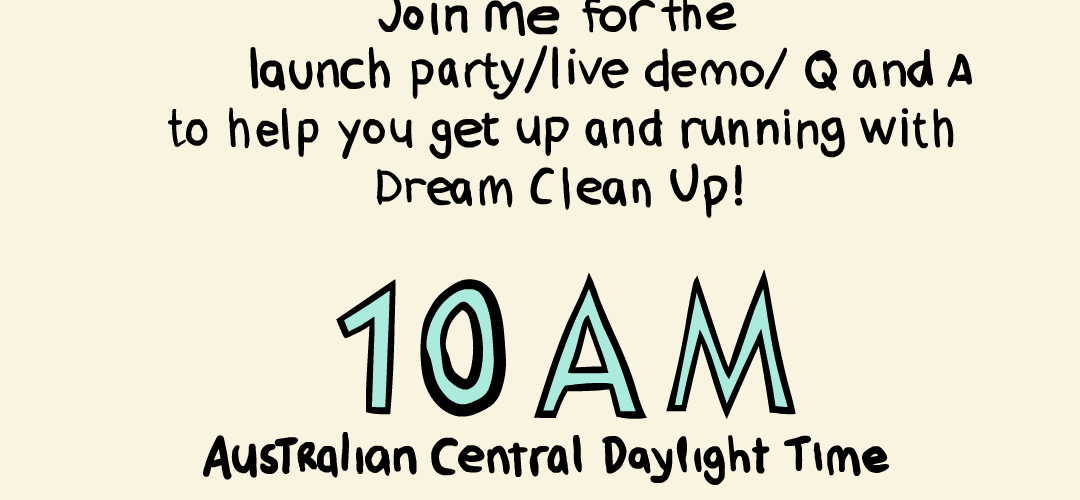
Earlier in the week a tool I created to streamline the Adobe Animate clean-up process FINALLY got published on the Adobe Exchange Store. I have a page dedicated to it here. I wanted to create a more complete guide on how to use it and so I decided I could also do a little launch party promo on Twitch! I really like the idea of live drawing and animation and have been wanting to experiment with it again. Drop in if you are interested! You can find my account here!
UPDATE: Live stream happened and was quite a lot of fun! I actually thought nobody tuned in but Twitch tells me I had 4 viewers so thanks to those people who took the time to tune in and listen to me ramble like a maniac! You can see the highlights from the Stream on the Dream Clean-Up Page of this website!
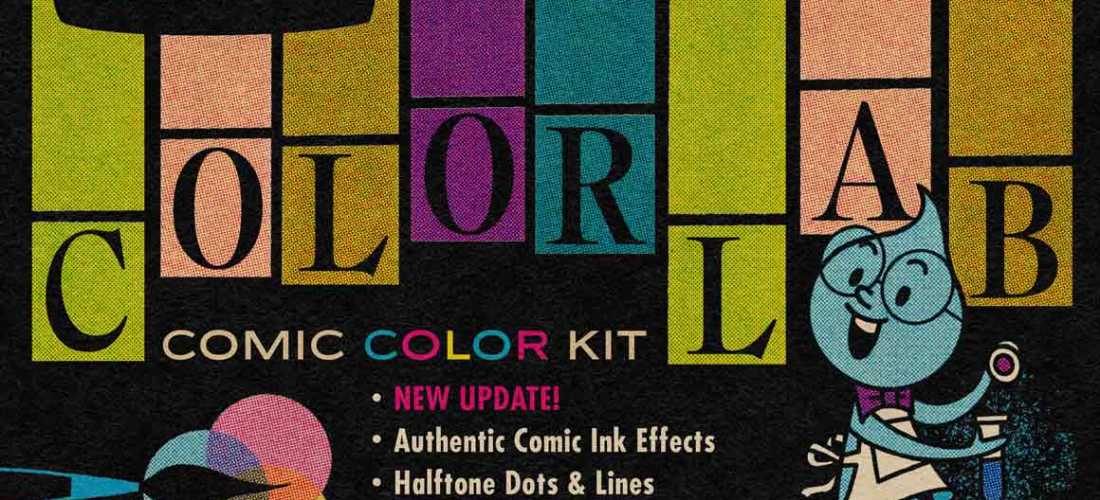
I’ve been writing and creating a few comics recently and got really into Tales From The Crypt and Weird Science Comics. I want to make horror comics with a similarly retro vibe so on Black Friday I bought the Colour Lab package from RetroSupply! This package allows you to mimic the halftone printing style of old comics by layering dots of varying densities on top of each other. It’s been extremely fun to play around with and I’ll hopefully have some Illustrations to post here soon.
The problem is that this layered colour process is a MUCH slower way of colouring than I am used to. RetroSupply have made it easier by supplying a handy colour chart but as I saw the suggested process my jaw dropped with terror at the idea of consulting a chart to figure out how to correctly layer colours to get the desired outcome.
“Wouldn’t it be great if you could just use the Colour Picker to get the right colour instead of having to break your flow state to consult a table in a pdf file?” How hard could it be to just program this? I decided to venture into the previously uncharted territory of Photoshop Extended Scripting to answer this question. I’ve made Plugins for Adobe Animate before and thought I could make a quick little plugin to optimise the ColourLab experience (so you never really have to refer to the chart.) It took about a day but I’m hoping it’ll be “Time spent in sharpening the axe may well be spared from swinging it.” kind of deal.
The way it works is pretty simple. I created two ‘data tables. The first contains all the Data for the colours from Retro Supplies Palette, the Hex Codes and the density of the Y, R, B and K values. The second table just contains the names of the Brushes.
Say we are using the colour Y2 R3 B K2. The problem is that each colour is actually made up of up to 4 different halftones colours (yellow at a density of 2, red at 3, solid blue and black halftones at 20%). So how does the tool know which of these colours to grab? Tyypically you have a layer for each of the 4 colours. So the Script first character of the name of your Active Layer. So if your Layer name starts with a Y eg it could be called “Y” or “Yellow” or “Yo Put some Yellow here!” The script assumes you are looking for the Yellow required for whatever colour is currently in the Foreground on the toolbar. Grabs the hex code and looks up the data table and grabs the brush for ‘RSCO Yellow 2 • Rough Dots’.
You can download it for free below but be warned it will not work without Retro Supply Co’s ColourLab plugin. I am in no way associated with Retro Supply Co. I’m just a guy who hates consulting charts. You can download the script here.
I got to animate Batman!! But like, for fun, not for money or anything canonical! I was part of the crew for Batman: Reanimated. A project where around 60 animators recreated an episode of the 60’s Adam West Batman series. I just chipped away at it by doing an hour or so on it after work and then crammed most of it into a 4-hour train ride and one very productive Saturday.
That was the final version of my shot. This version didn’t make it into the final edit for some reason. Probably a mistake I made. You can watch the full video below!
I used to contribute to LoopDeLoop and other ReAnimation projects and kind of missed the weird community feeling of working with other animators but also working entirely alone. Has a great time making this.

 Levi George Illustration